inGameFM
A tiny FM synthesiser library for games that want proper chiptune music without hauling megabytes of audio files.
Why this exists
Small games deserve small music.
Modern games usually ship music as WAV, MP3, or OGG files. They sound great, but they also inflate the game size. A single track can weigh more than an entire small game.
Classic consoles solved this differently. Instead of storing recordings, they stored:
-
notes
-
instrument parameters
-
timing
The console then generated the sound in real time using a sound chip.
That is the approach behind inGameFm.
It lets your game synthesise music during runtime using the same style of FM synthesis used by the famous Yamaha YM2612 chip from the Sega Mega Drive / Sega Genesis.
Your music becomes a handful of data instead of bulky recordings.
What is FM synthesis?
FM stands for Frequency Modulation.
Imagine two musical oscillators.
-
One oscillator produces the sound you hear.
-
Another oscillator wiggles the pitch of the first one extremely fast.
That rapid pitch wobble creates complex tones.
With just a few oscillators interacting with each other, you can create:
-
bells
-
basses
-
guitars
-
metallic sounds
-
weird alien noises
-
surprisingly convincing instruments
The YM2612 uses four operators (oscillators) that can influence each other in different arrangements called algorithms.
Think of it like a small network of sound generators poking and nudging each other until a tone emerges.
The workflow
I wanted the convenience of a DAW, but the output of a tracker.
So the pipeline looks like this:
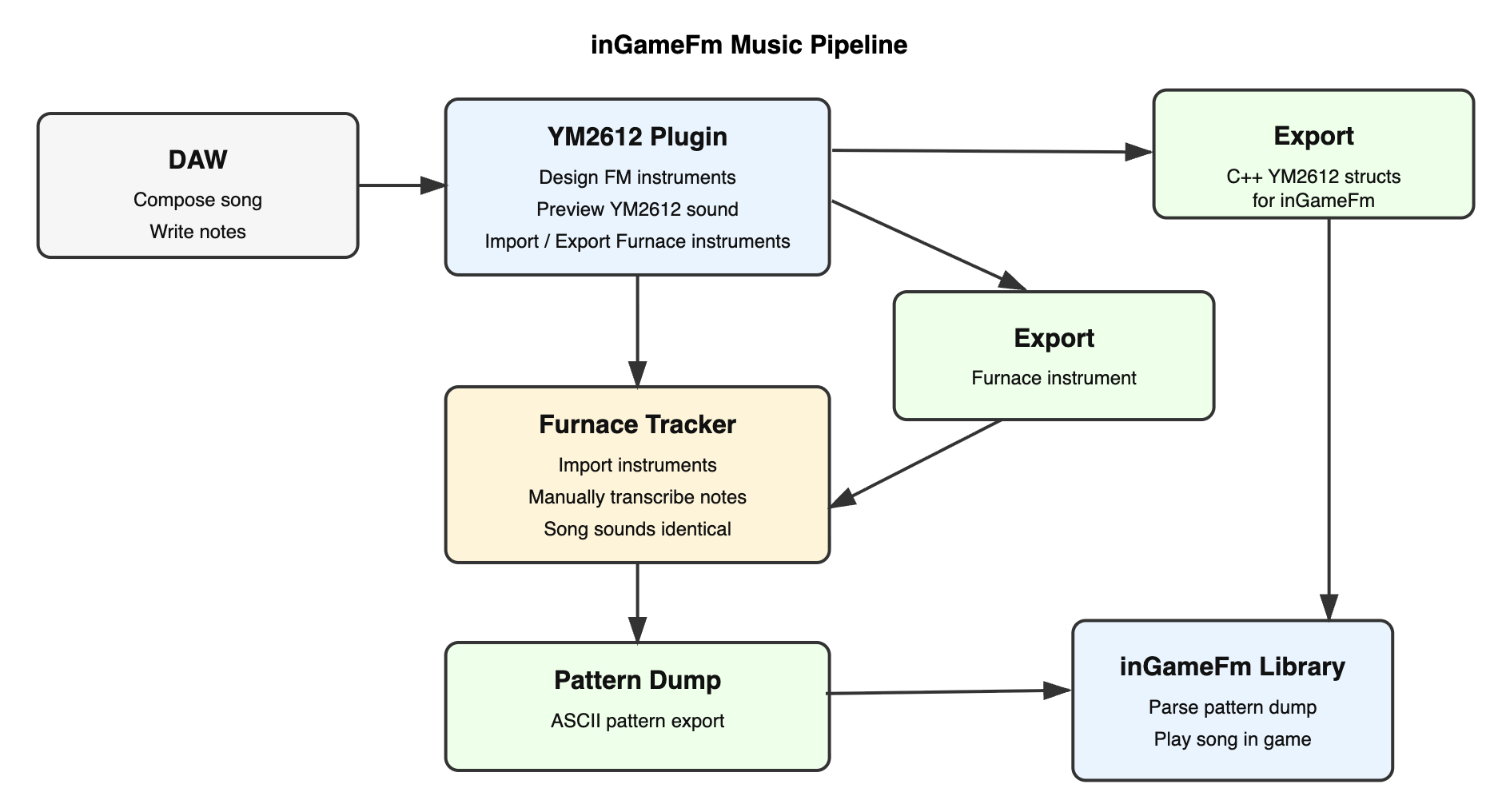
1. Compose in a DAW
I created a YM2612 instrument plugin so music can be written inside a normal DAW.
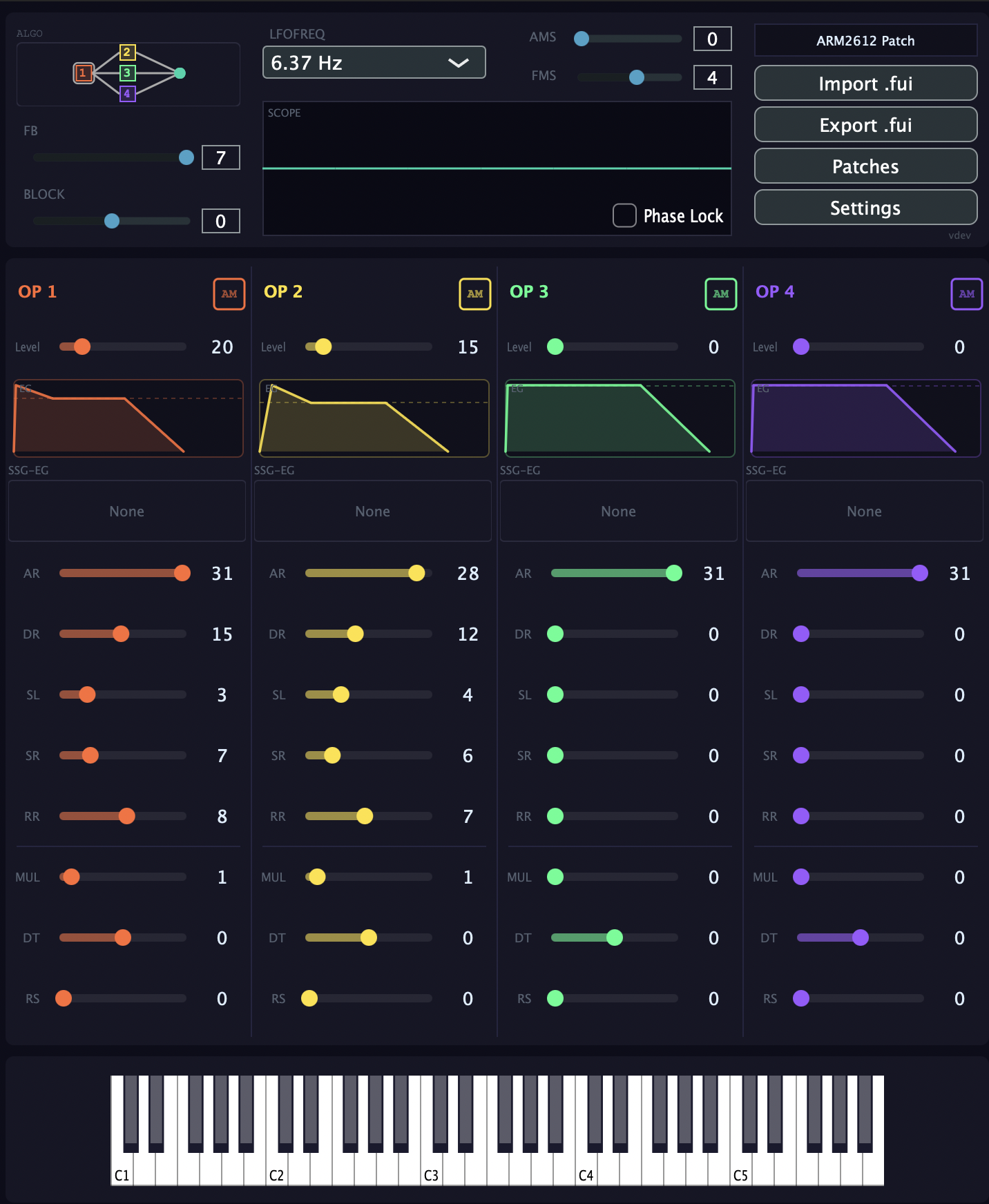
The plugin behaves like a normal synth but internally models the YM2612 operators and parameters.
2. Export instruments
The plugin can export:
-
Furnace Tracker instrument files
-
C++ patch definitions
So your instruments can travel between tools without drifting away from the original sound.
3. Transcribe into Furnace Tracker
Music can be transcribed into Furnace Tracker, which is a modern tracker designed for retro chips.
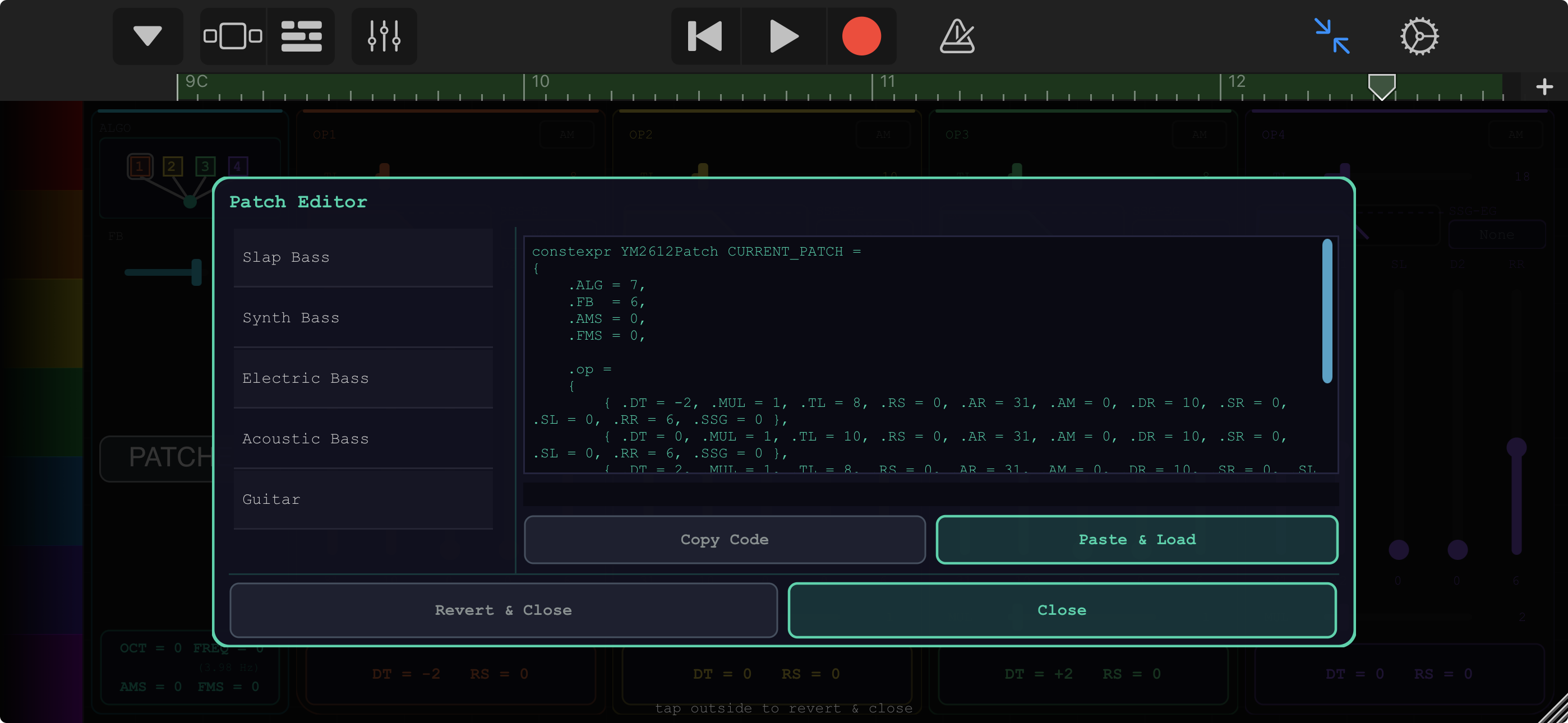
Because the plugin models the same parameters, the sound matches.
No mysterious translation errors.
4. Run the music inside your game
This is where inGameFm comes in.
The library synthesises YM2612 audio in real time using the instrument data exported from Furnace.
You can:
-
copy-paste instrument data
-
embed instruments directly as C++ structs
-
play music using note data instead of audio files
What you gain
Tiny music footprint
Instead of shipping megabytes of audio, you ship:
-
note patterns
-
FM instrument parameters
The difference is dramatic for small games.
Authentic chip sound
The synthesis model matches the behaviour of the YM2612, the chip responsible for many iconic Mega Drive soundtracks.
Your game gets that gritty, metallic, unmistakable FM character.
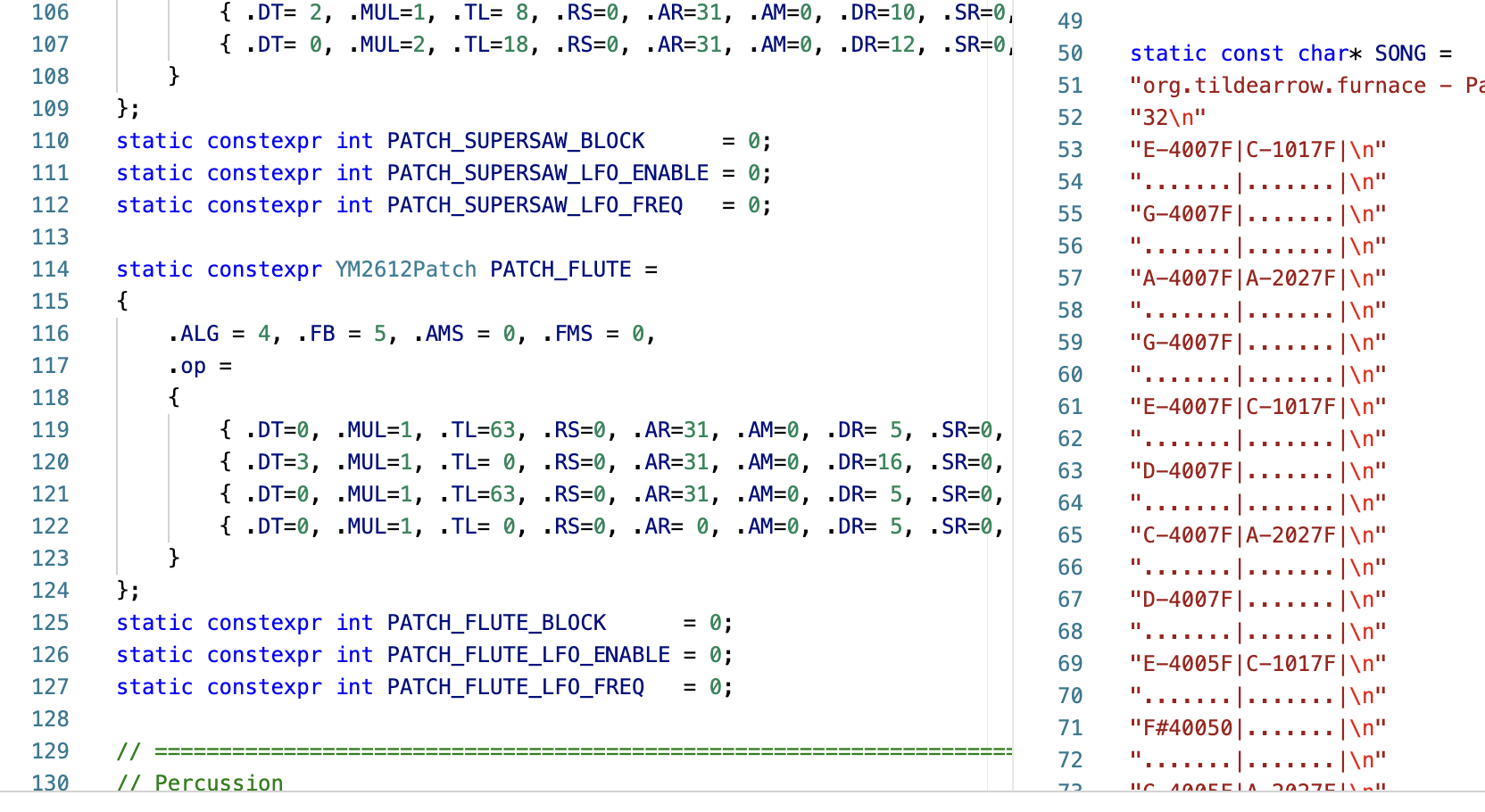
Code-friendly instruments
Instruments can be exported directly as C++ data.
Example style:
DAW comfort + tracker compatibility
Compose where you are comfortable.
Then move the result into Furnace for tracker playback.
inGameFm becomes the bridge that carries the sound into the game.
What the demo shows
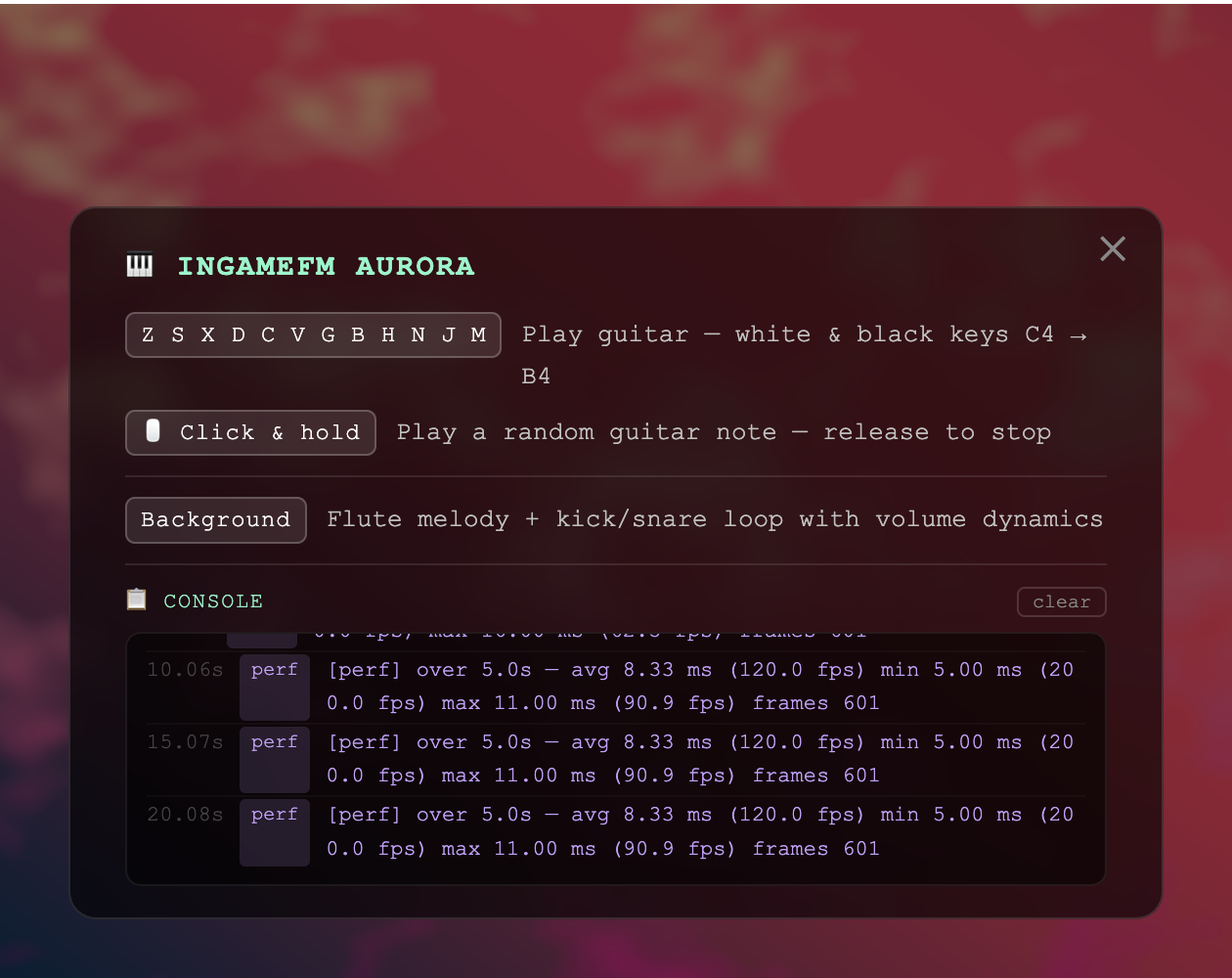
This page contains a small playable demo that uses inGameFm to synthesise music live.
There are:
-
no audio recordings
-
no streaming music files
Every note you hear is generated in real time from YM2612 parameters.
Just like a tiny Mega Drive hiding inside the game.
Who this is for
This library is useful if you:
-
make small indie games
-
want retro FM sound
-
want very small executable sizes
-
enjoy data-driven audio
-
like the aesthetic of classic console music
Finally the GitHub links:
https://github.com/luke10x/ingamefm
and plugin:
Leave a comment
Log in with itch.io to leave a comment.